Mac or PC. Same team.
Same standard.

Most IT companies are built for one platform and put up with the other. Our Mac and Windows IT support manages every device to the same standard, from one help desk that knows your setup.
Apple Premium Technical Partner Microsoft AI Cloud Partner Program
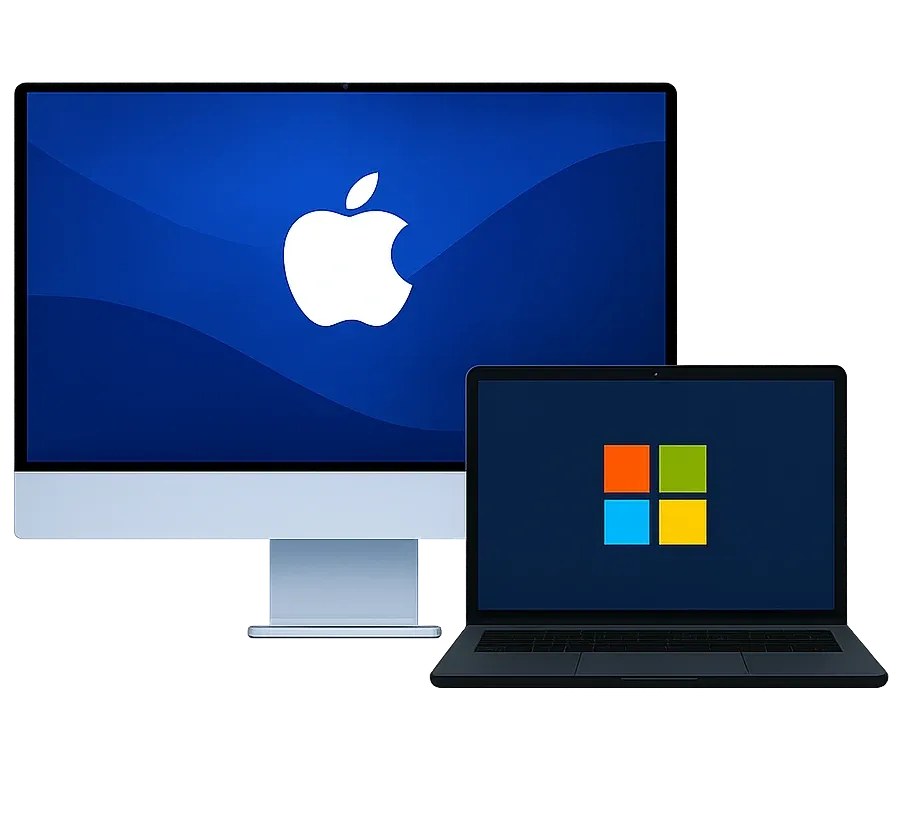
A Mac and a Windows laptop side by side

Mac and PC, handled equally well

We source, set up, and support your PCs with the same white-glove care as your Macs, keep Microsoft 365 running right on every device, and one team owns every ticket, Mac or PC.


Everything on the PC and Microsoft side

From a new hire's first login to the last warranty claim, we handle your PCs and Microsoft tools with the same care as your Macs.

New Employee Onboarding

White-glove onboarding for every new hire, Mac or PC. We order the equipment, set it up, get it into their hands, and schedule a day-one meeting with them so they're working from the first hour.

  • Equipment ordering
  • White-glove setup
  • Day-one meeting

Procurement, Warranty & Repair

We procure the right computers for your team and handle warranty claims, repairs, and replacements for you, so a broken laptop is our problem, not yours.

  • Procurement
  • Warranty claims
  • Repairs

Microsoft 365 on Everything

Exchange email, Teams, SharePoint, and OneDrive running smoothly on Mac and Windows alike. No second-class citizens in your org.

  • Exchange
  • Teams
  • SharePoint
  • OneDrive

Entra ID Single Sign-On

Every Mac and PC tied to one company identity in Microsoft Entra ID. Your team signs in once to get to everything, and adding or removing someone happens in one place.

  • Entra ID
  • Single sign-on
  • One-place offboarding

PC Management with Intune

Every PC enrolled and managed in Microsoft Intune. Policies, Windows updates, and apps pushed across your whole fleet without touching each device.

  • Microsoft Intune
  • Windows updates
  • App deployment

Security & Compliance

Microsoft Defender protecting every PC, with hardening aligned to CIS, NIST, and HIPAA requirements and detailed audit reporting, managed right alongside your Macs' security.

  • Microsoft Defender
  • CIS
  • NIST
  • HIPAA

Mixed environments fail when MSPs pick sides

Half your team gets second-class support
Apple-focused shops fumble the PCs. Windows shops fumble the Macs. Either way, one side of the office gets slower answers and workarounds instead of solutions.
Shadow IT creeps in
When IT doesn't know their platform, people fix things themselves with unapproved tools: personal cloud storage, consumer apps, ad-hoc solutions nobody in IT knows about.
Security gaps appear at the seams
Security gets set up for the platform the MSP knows best and misses the other entirely. Attackers find those gaps. Security audits surface them. Both are expensive.
The Bayon approach
Same standard, both platforms
What you getMacPC
White-glove setupOrdered, configured, and deliveredYesYes
Updates handled for youInstalled on schedule, not left to chanceYesYes
Security protectionSame standards on every deviceYesYes
One company loginSign in once, remove access in one placeYesYes
Same support teamExperts on both, no second vendorYesYes

How switching to Bayon works

Three steps to get your Macs and PCs running as one environment.

  1. We learn your setup

    We take stock of every Mac, PC, account, and app your team uses, and flag what's missing, outdated, or set up wrong.

  2. We connect everything

    Every Mac and PC joins one company login and gets managed and protected, and your email and shared files work the same on both.

  3. We keep it consistent

    From then on, every device gets the same security, the same update schedule, and the same support team.

Mixed Mac and Windows support, answered

Still have a question? Talk to a mixed network expert. Just an authentic conversation, no pitch.

Ask us directly
We run mostly Windows with a few Macs mixed in. Is this still for us?
Yes. Plenty of our clients run mostly Windows with a few Macs, or the other way around. Whatever the mix, your PCs get the same care as your Macs: the same team, the same white-glove setup, and the same security standards.
Do I need to be in Minneapolis or Northwest Arkansas to work with you?
No. Our offices are in Minneapolis and Northwest Arkansas, and we support businesses in other states across the US. Macs and PCs are managed and supported remotely, and new computers can ship straight to your team already set up, so your location rarely matters. Clients near our offices also get on-site help when it's needed.
Can you buy and set up our PCs, too?
Yes. We procure the right computers for your team, set them up with the same white-glove process as our Macs, and handle warranty claims and repairs when something breaks.
What tools do you use to manage a mixed environment?
The best tool for each platform, instead of forcing one tool to do a job it wasn't built for. Macs get tools built for Macs, PCs get tools built for PCs, and Microsoft 365 ties it all together: email, Teams, files, and one company login across every device.
Do you support Google Workspace, or only Microsoft 365?
Both. Most of our clients run Microsoft 365, but we support Google Workspace too, so you don't have to switch platforms to work with us. Either way, every mailbox gets our email security.
Is there one support team for both platforms, or do you split Mac and Windows tickets?
One support team, with experts on both platforms. You always reach the same team, and we route each ticket to the person who knows that platform best, so you get the right expert without the runaround.
What does it look like to switch to Bayon?
Easy on your end. We take care of the whole transition, from learning how your team works to getting every Mac, PC, and account set up the right way, so your team keeps working while we do the heavy lifting.

One call to map your entire environment

Book a free 30-minute discovery call. We'll learn about your Mac and Windows setup and what you need, and figure out together if we're a good fit.

Jon TaylorJeff FieldsNorma SaavedraKandus MayberryTony FieroJack Skogg

The same people who know your setup, every time you call. No ticket queue.

Book a free discovery call